Last Updated on 20.01.2020 by DriverNew
Mionix Naos 8200 Firmware / Software
Installation instructions:
- Extract the zip file
- Make sure the software for Naos is not running
- Run the Naos firmware update software
- Wait for update to complete
- Once installation is 100% your Naos is updated with the latest firmware
Naos 8200 Software Version 1.01
Mac OS – NAOS 8200 Software v0.46
Installation instructions:
- Download the Mionix Naos 8200 software
- Run the Mionix Naos 8200 installer
- Latest version of the Naos software is now installed
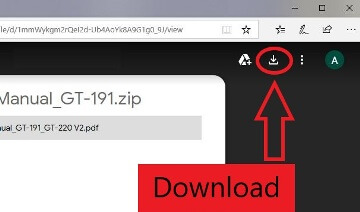
How to download files located on Google Drive:


Leave a Reply